News:

MultiCommander v16.6 is released!

Main Menu
Menu

Show posts

This section allows you to view all posts made by this member. Note that you can only see posts made in areas you currently have access to.

Show posts Menu

Messages - geeg62

#1
I've edited the file multicommander.xml and modify this and it goes right again.

<system>
    <language primary="fr" secondary="en"/>

Then my langage is in FR.
Is there an other way to change langage ?
#2
I've try to delete the folder of the portable version. And then uzip a new folder of MC.
Then the choice of langage apears from scratch. Mc is now in french. But when I select dark theme and restart MC to take changes, the english langage come back....
#3
Strange, after third reboot of the PC, Mc goes right !

But I can t change the langage to French.
any ideas ?

Thanks.
#4
Hello,

I've reinstall windows, so I reinstall MC in portable mode.
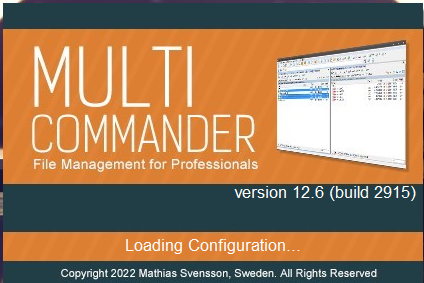
But It makes 20 second to load configuration before startup.

Any ideas why this happen ?


Thanks, Regards.
#5
Support and Feedback / Re: Popup for moving files
February 11, 2022, 21:00:23
Great ! Thanks a lot AlanJB.
#6
Hi,

Excuse my poor english.
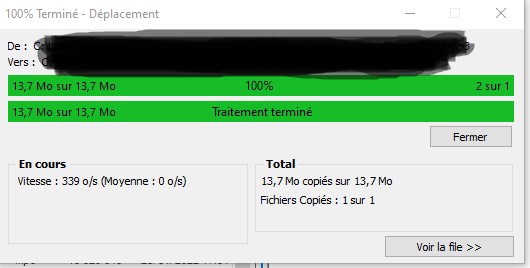
I always have this popup when the "file move" is finish.
What can I change in my settings, for not see this popup ?

Thanks.
Regards.